 |
    |
|
| |
 Editing this information requires an American Modern Licensing & Contracts Profile Administrator security profile.
The Background Check page provides a place for you to indicate the results of credit and criminal background checks on the Principal Owner of a Contract Holder business or an individual Contract Holder.
To indicate background check results:
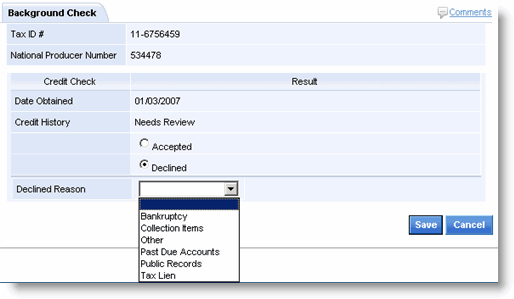
In the Credit Check section, select Accepted or Declined. If Declined, select a reason.
In the Criminal Background Check section, select Accepted or Declined. If Declined, select a reason.
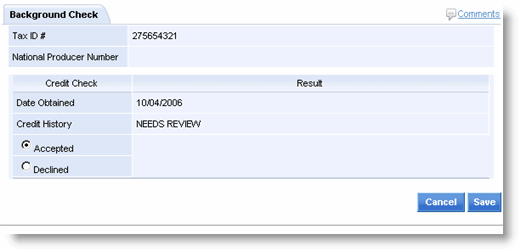
Click Save.
The Account Management page opens.
If both credit and criminal background checks are acceptable, mark the action item complete, in order to send appointment request(s) to CT Corp. If declined, notify the sales rep.
